What it gets right
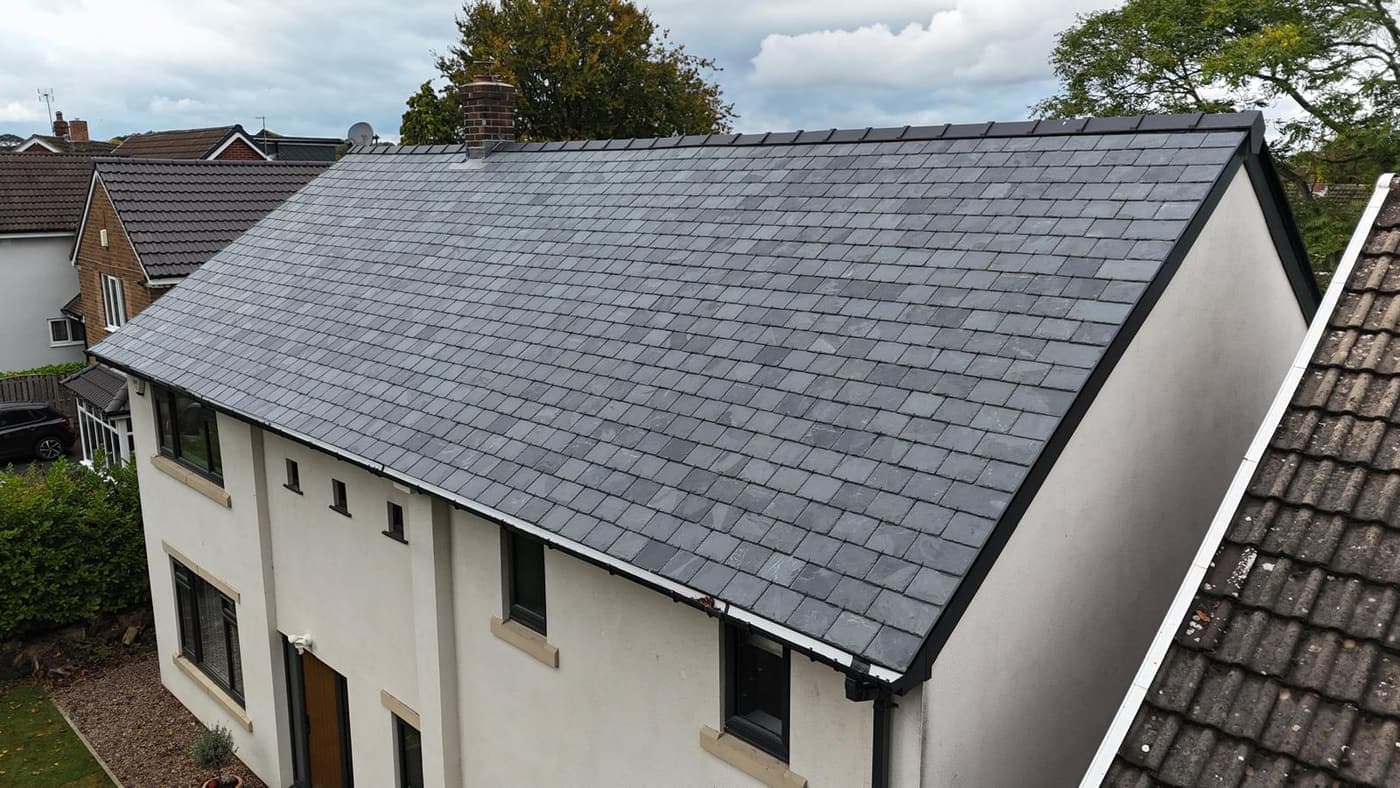
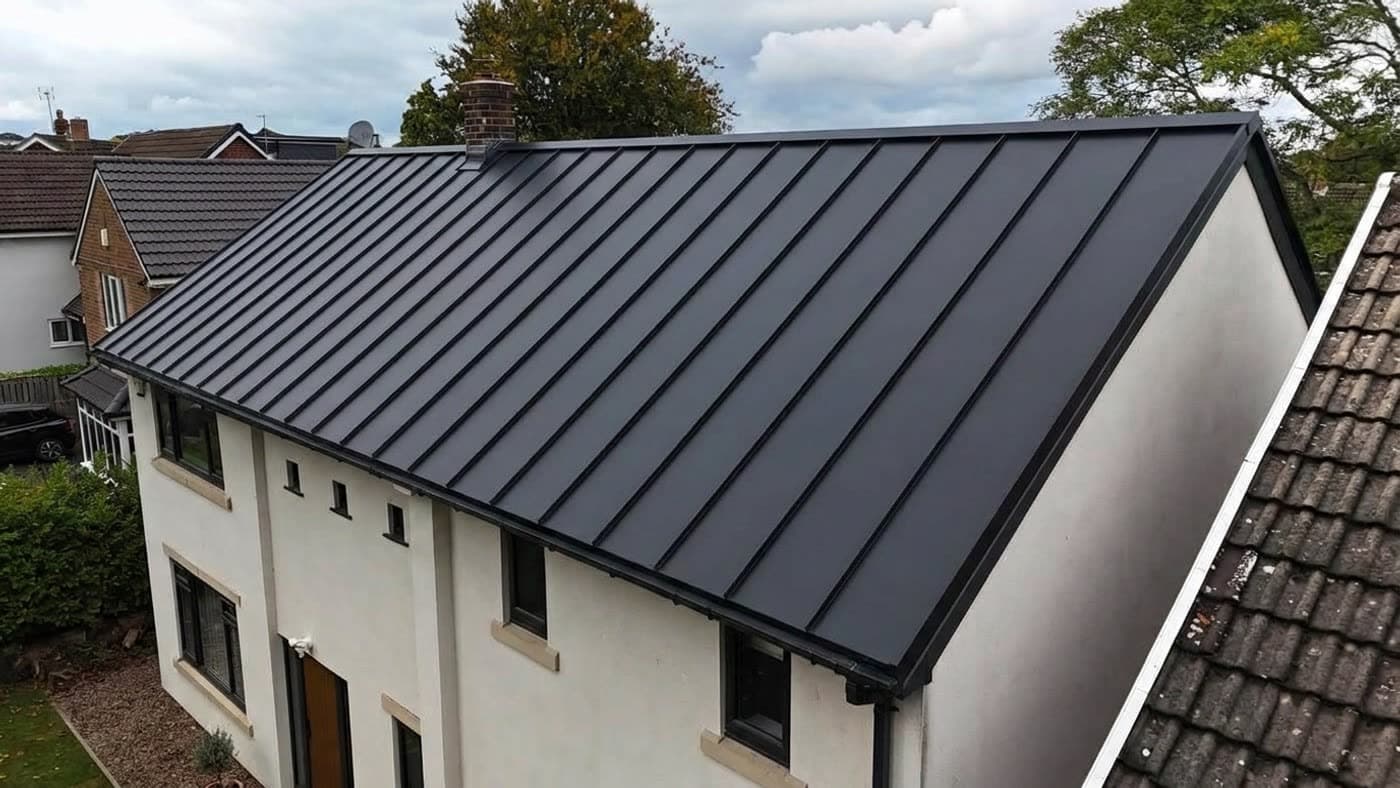
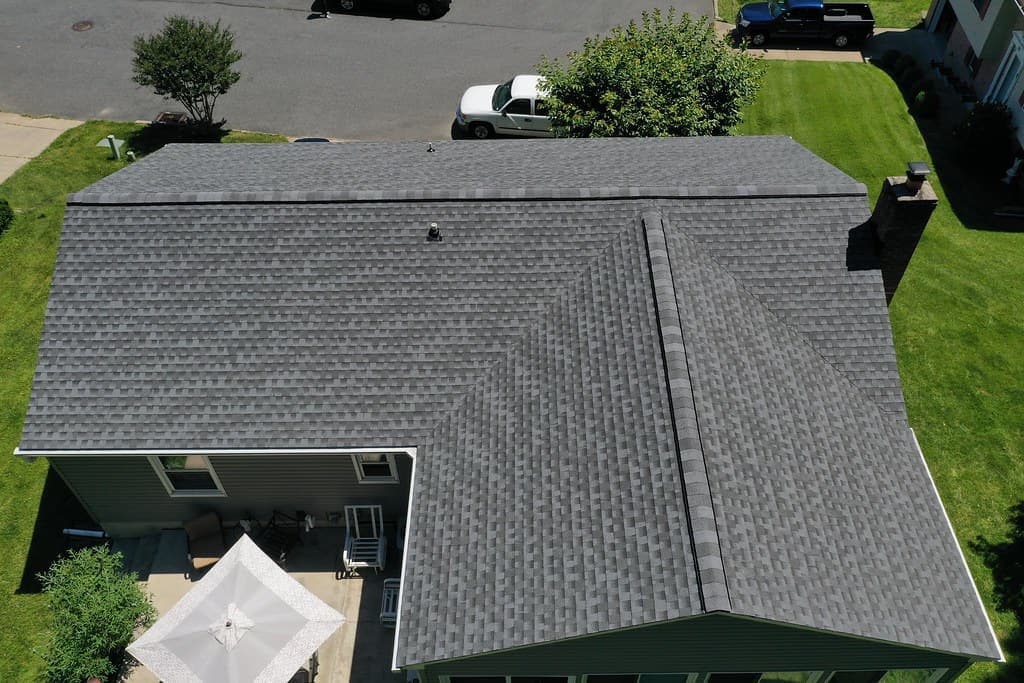
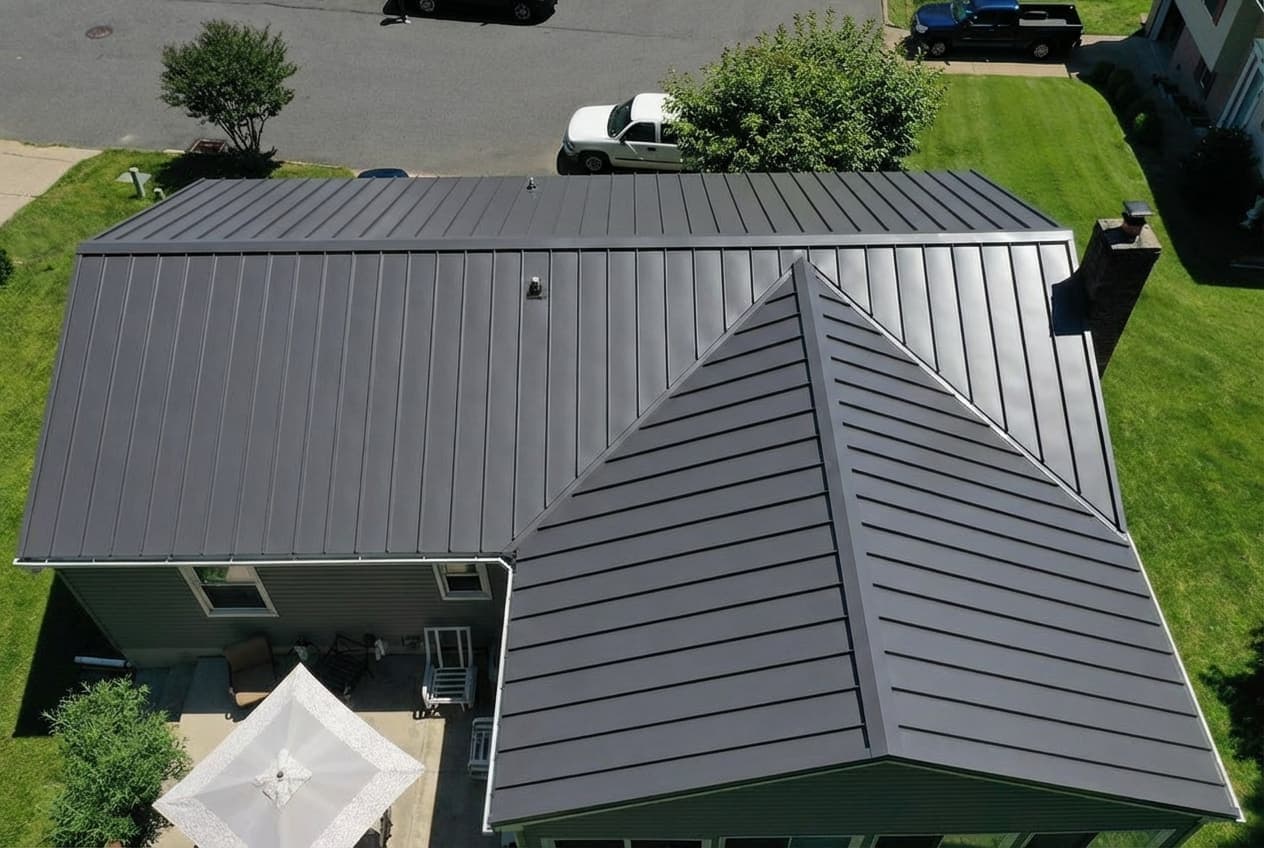
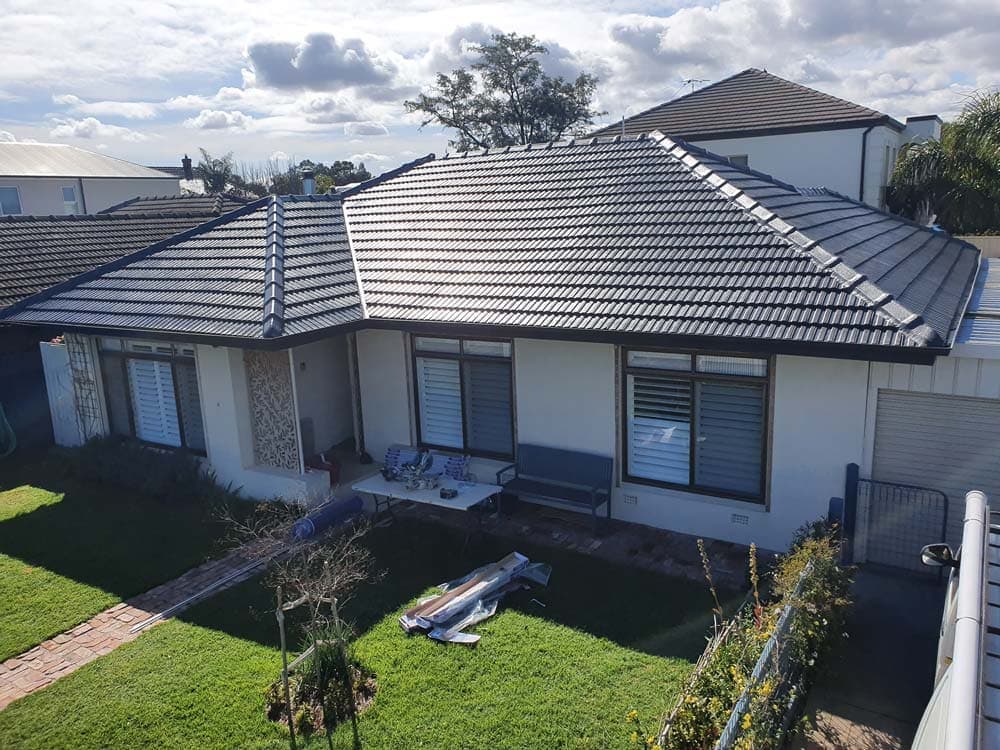
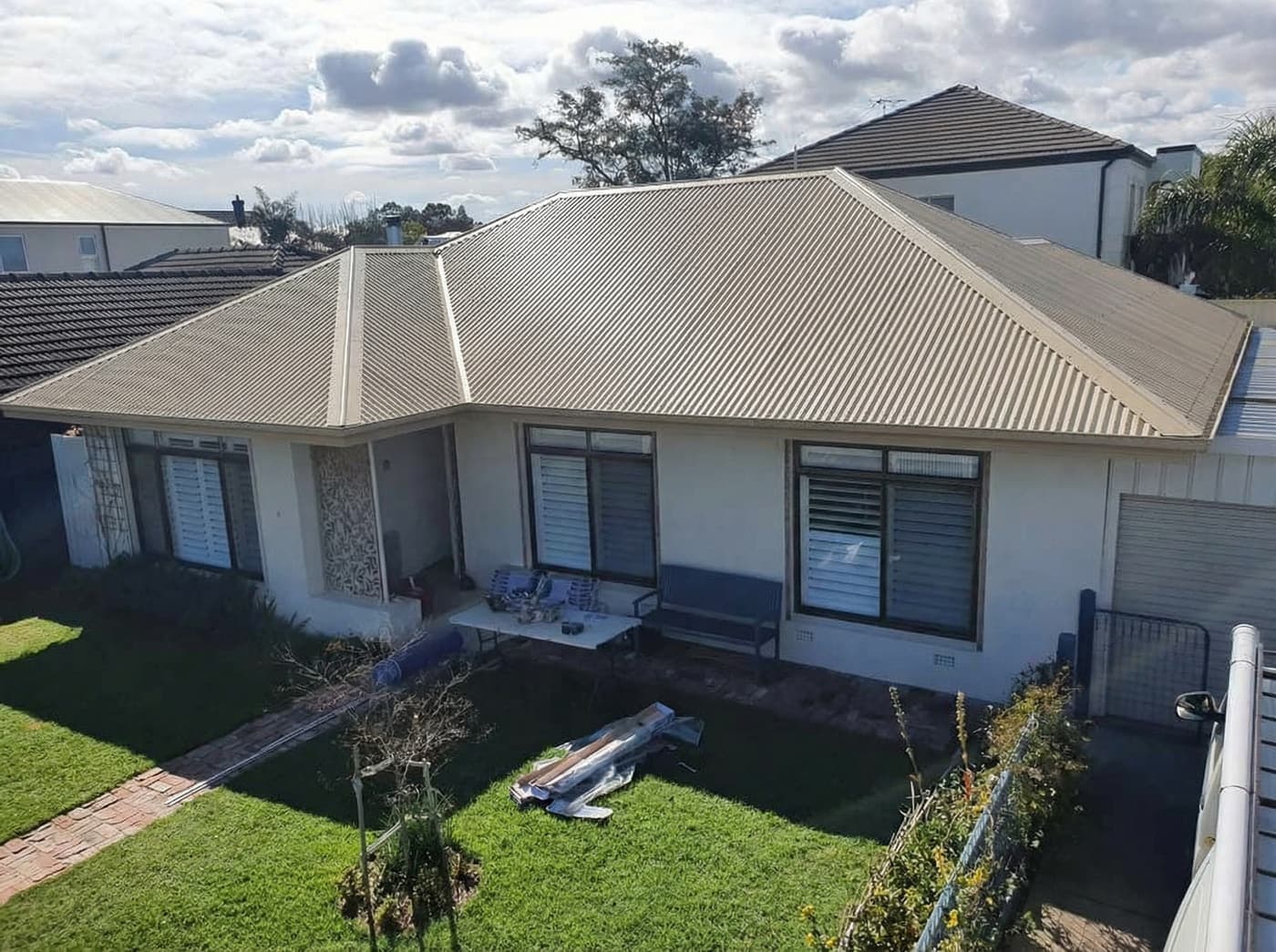
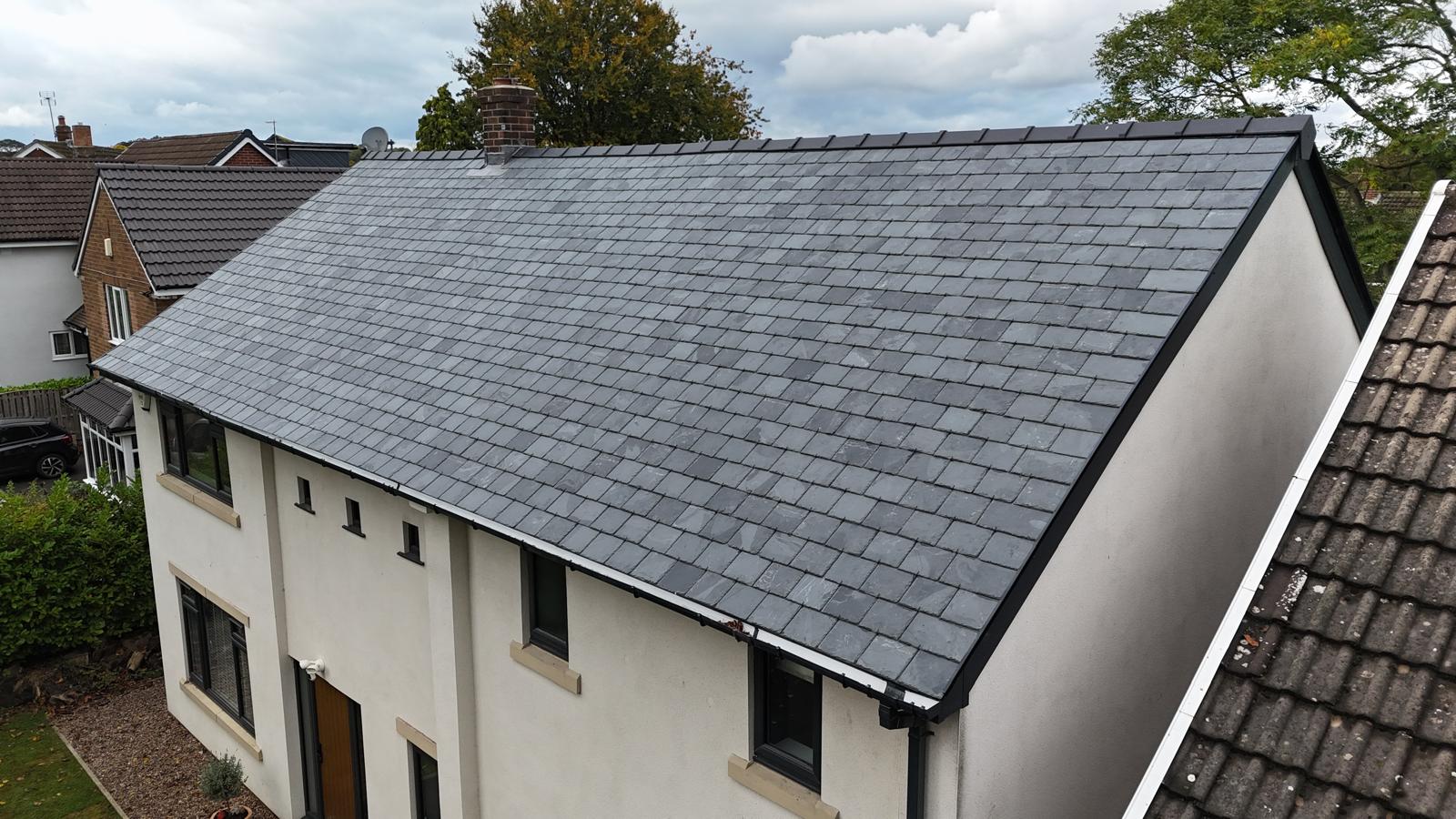
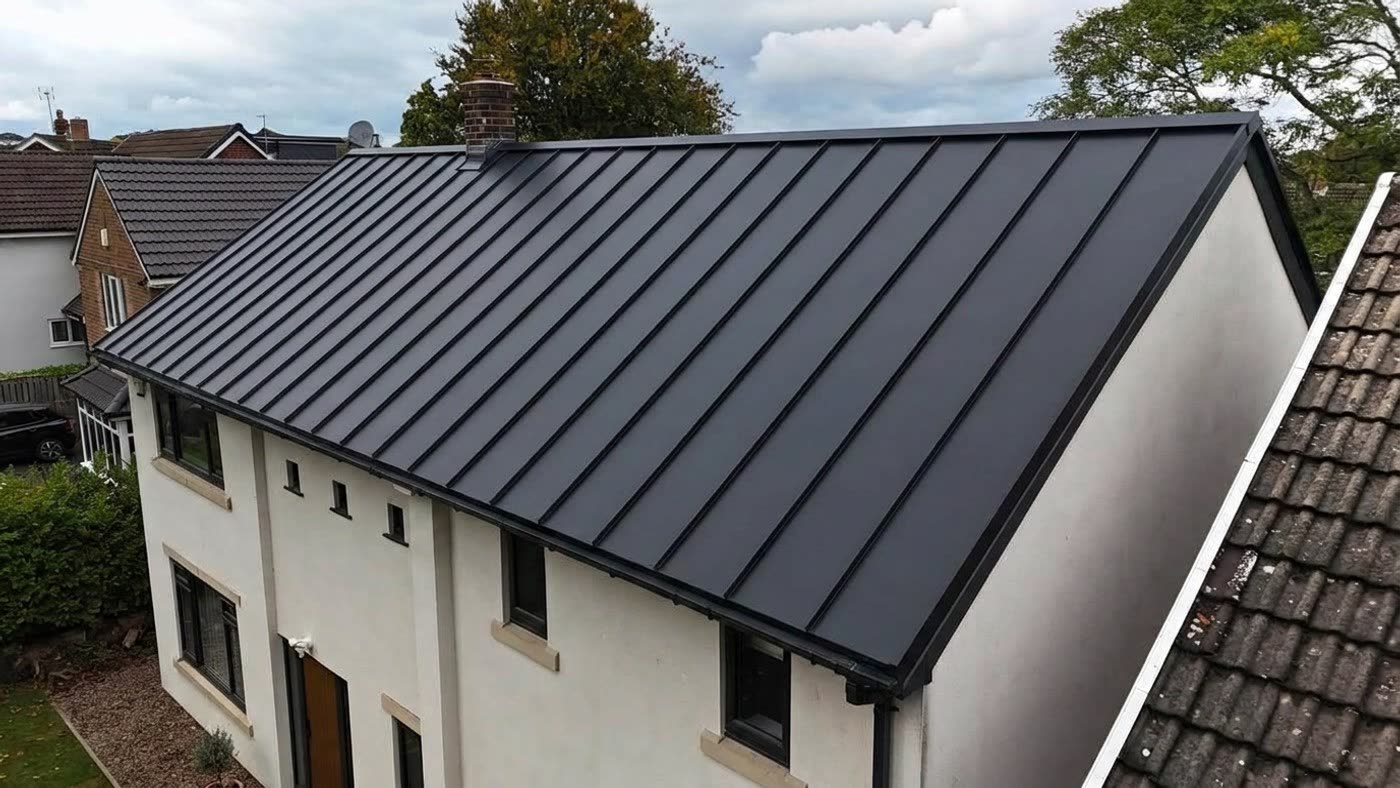
The shape of your roof, the way the new material follows the slopes, and how the colour sits against your walls, trim and landscaping. A good render keeps your photo exactly as it is and changes only the roof, so the comparison is fair. That is what a colour chip cannot do, because a chip has no context.
Product colour is accurate when the visualizer uses the manufacturer's real colour, which RoofRender does for every material in its catalogue. The colour you see is the colour that ships.
What it cannot do
Your photo is one moment of light. A roof at noon in July looks different from the same roof at 5pm in November, and the render can only show you the light you photographed. Metal in particular changes with the angle of the sun, so a metal render is a good guide to colour and a rough guide to shine.
A render also cannot show texture up close. A shingle's granules and a shake's grain are only visible from a few feet away. From the street, which is where the render is judged, that does not matter.
Old visualizers versus AI renders
The visualizers on manufacturer websites work by tracing your roof by hand and pasting a flat texture over it. They are accurate on a simple gable and fall apart on dormers, hips, valleys and trees in front of the house. AI renders understand the whole photo, so they handle complicated roofs, shadows and things in the way. The trade-off is that an AI render occasionally gets a detail wrong, a vent or a chimney, which a second render fixes.
How to get an accurate result
Photograph the house from the street in daylight, with the whole roof in frame and the sun behind you. Render the same colour twice and look at both. Compare it against a physical sample in the same light before you sign. Used that way, a visualizer is the most accurate colour decision most people will ever make on a house.